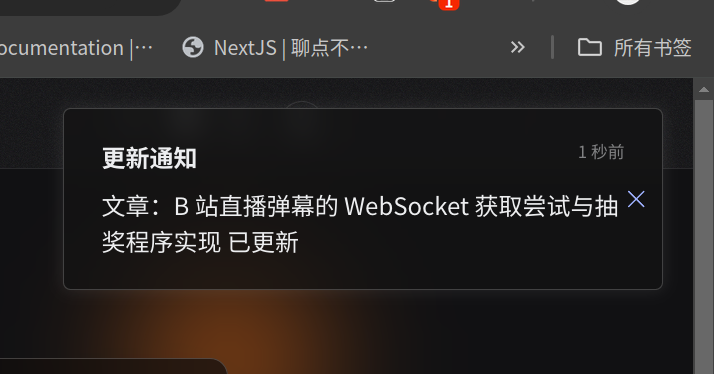
2025.1 最近的一些事情,解决的一些问题
简单说说 reactCompiler
Next.js 15,React.js 19 更新挺久了,随之一并带来的是 reactCompiler 等待了不知多久的 beta 版本,简单试了下 Next.js 集成,体验还不错,具体步骤就看 官方文档
简单来说装一个 babel 插件
pnpm install babel-plugin-react-compiler
然后开 experimental 功能就行了,在 next.config.ts
import type { NextConfig } from 'next'

const nextConfig: NextConfig = {
  experimental: {
    reactCompiler: true,
  },
}

export default nextConfig
开了之后,它会自动优化我们的代码,比如 useMemo useCallback 这种缓存的使用,会尽量避免多次频繁重新渲染,组件频繁清空数据整个渲染和挂载,…emm 怎么说,感觉 React 也开始借鉴 Vue 了,变成自动档了,可以自己优化了
显示 ip 归属地的实现
最近用 maxmind 的 geoip2 库补全我 ipv6 归属地的显示,正好说一下这个的完整实现。
<!--这个仅支持ipv4-->
<dependency>
    <groupId>org.lionsoul</groupId>
    <artifactId>ip2region</artifactId>
     <version>2.7.0</version>
</dependency>

<!--支持ipv4 ipv6,但是感觉效果不是很好-->
<dependency>
    <groupId>com.maxmind.geoip2</groupId>
    <artifactId>geoip2</artifactId>
    <version>4.2.1</version>
</dependency>
首先到其开源仓库下载数据集:ip2region
将 ip2region.xdb 放好在 src/main/resources
同样如法炮制,下载 maxmind 的数据集,由于其商业版本收费,我们只能选择:GeoLite.mmdb
拿到 GeoLite2-City.mmdb 和 GeoLite2-ASN.mmdb
我们可以写一个 IPLocationUtil
package com.grtsinry43.grtblog.util;

import com.maxmind.geoip2.DatabaseReader;
import com.maxmind.geoip2.model.AsnResponse;
import com.maxmind.geoip2.model.CityResponse;
import jakarta.servlet.http.HttpServletRequest;
import org.apache.commons.lang3.StringUtils;
import org.lionsoul.ip2region.xdb.Searcher;
import org.slf4j.Logger;
import org.slf4j.LoggerFactory;
import org.springframework.util.FileCopyUtils;

import java.io.File;
import java.io.IOException;
import java.io.InputStream;
import java.net.InetAddress;
import java.net.UnknownHostException;

/**
 * Utility class for getting address by IP using GeoIP2 library.
 *
 * @date 2024/11/2 23:58
 * @description 热爱可抵岁月漫长
 */
public class IPLocationUtil {

    private static final Logger logger = LoggerFactory.getLogger(IPLocationUtil.class);
    private static final String LOCAL_IP = "127.0.0.1";
    private static final String LOCAL_IPV6 = "::1";

    // 这里根据需要初始化数据库搜索实例
    private static final Searcher searcher;
    private static DatabaseReader dbReader;
    private static DatabaseReader asnReader;

    static {
        try {
            InputStream cityDbStream = IPLocationUtil.class.getResourceAsStream("/GeoLite2-City.mmdb");
            InputStream asnDbStream = IPLocationUtil.class.getResourceAsStream("/GeoLite2-ASN.mmdb");
            if (cityDbStream == null || asnDbStream == null) {
                throw new IOException("GeoIP2 database files not found in classpath");
            }
            dbReader = new DatabaseReader.Builder(cityDbStream).build();
            asnReader = new DatabaseReader.Builder(asnDbStream).build();
            InputStream ris = IPLocationUtil.class.getResourceAsStream("/ip2region.xdb");
            byte[] dbBinStr = FileCopyUtils.copyToByteArray(ris);
            searcher = Searcher.newWithBuffer(dbBinStr);
            logger.debug("ip2region 数据库加载成功");
            logger.debug("GeoIP2 数据库加载成功");
        } catch (IOException e) {
            logger.error("无法创建数据库读取器: {}", e.getMessage());
            throw new RuntimeException("无法加载 GeoIP2 数据库", e);
        }
    }

    /**
     * 获取用户真实 IP 地址
     *
     * @param request HttpServletRequest
     * @return 用户真实 IP 地址
     */
    public static String getIp(HttpServletRequest request) {
        String ipAddress = request.getHeader("X-Original-Forwarded-For");

        if (StringUtils.isBlank(ipAddress) || "unknown".equalsIgnoreCase(ipAddress)) {
            ipAddress = request.getHeader("X-Forwarded-For");
        }
        if (StringUtils.isBlank(ipAddress) || "unknown".equalsIgnoreCase(ipAddress)) {
            ipAddress = request.getRemoteAddr();
            if (LOCAL_IP.equals(ipAddress) || LOCAL_IPV6.equals(ipAddress)) {
                try {
                    InetAddress inet = InetAddress.getLocalHost();
                    ipAddress = inet.getHostAddress();
                } catch (UnknownHostException e) {
                    logger.error("获取IP地址失败: {}", e.getMessage());
                }
            }
        }

        if (ipAddress != null && ipAddress.length() > 15) {
            int commaIndex = ipAddress.indexOf(",");
            if (commaIndex > 0) {
                ipAddress = ipAddress.substring(0, commaIndex);
            }
        }
        return LOCAL_IPV6.equals(ipAddress) ? LOCAL_IP : ipAddress;
    }

    /**
     * 根据 IP 获取 ip2region 信息
     *
     * @param ip IP 地址
     * @return 解析后的信息
     */
    public static String getIp2region(String ip) {
        if (searcher == null) {
            logger.error("搜索器未初始化");
            return null;
        }

        try {
            InetAddress ipAddress = InetAddress.getByName(ip);
            // 判断是 ipv4 还是 ipv6
            if (ipAddress instanceof java.net.Inet4Address) {
                String ipInfo = searcher.search(ip);
                if (!StringUtils.isEmpty(ipInfo)) {
                    return ipInfo.replace("|0", "").replace("0|", "").replace("|", "");
                }
            } else if (ipAddress instanceof java.net.Inet6Address) {
                CityResponse response = dbReader.city(ipAddress);
                AsnResponse asnResponse = asnReader.asn(ipAddress);
                String isp = asnResponse.getAutonomousSystemOrganization();
                if (StringUtils.isBlank(isp)) {
                    isp = "未知运营商";
                } else if (isp.startsWith("China Telecom")) {
                    isp = "电信";
                } else if (isp.startsWith("China Unicom")) {
                    isp = "联通";
                } else if (isp.startsWith("China Mobile")) {
                    isp = "移动";
                } else if (isp.startsWith("CERNET2 IX")) {
                    isp = "教育网";
                }
                return response.getCountry().getNames().get("zh-CN") + response.getMostSpecificSubdivision().getNames().get("zh-CN") +
                        response.getCity().getNames().get("zh-CN") + isp;
            }
        } catch (Exception e) {
            logger.error("解析IP信息失败: {}", e.getMessage());
        }
        return null;
    }
}
还有一件事情哦,如果你使用 nginx 或 docker 部署,很可能会出现拿不到 ip 的情况,比如 nginx 中,我们要转发好访客的 ip
location /api/v1 {
        rewrite ^/api/v1/(.*)$ /$1 break;
        proxy_pass http://127.0.0.1:8080;
        proxy_set_header Host $http_host;
        proxy_set_header X-Real-IP $remote_addr;
        proxy_set_header X-Forwarded-For $proxy_add_x_forwarded_for;
        proxy_set_header X-Forwarded-Proto $scheme;
    }
全站更新通知的实现
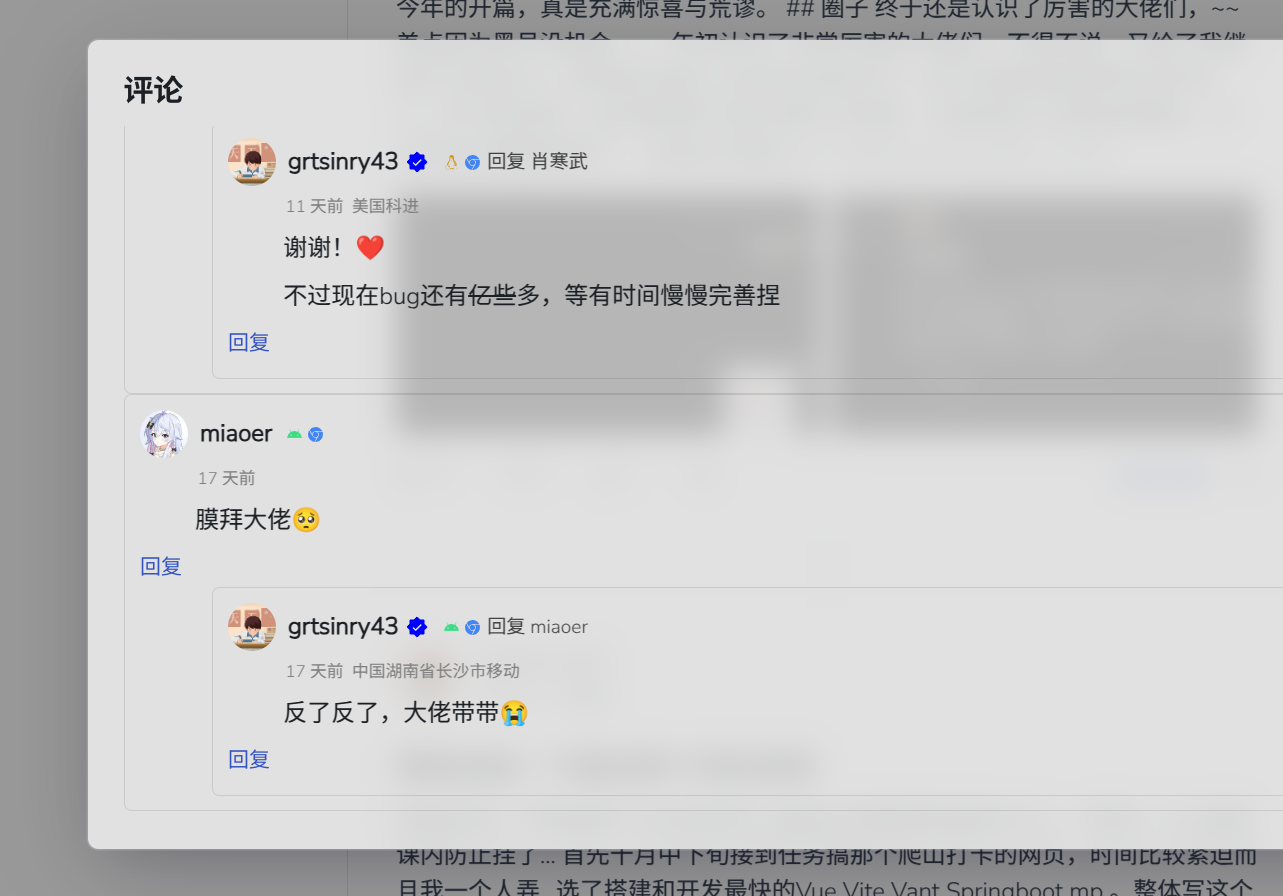
这个是我最近加的一点点小功能,希望给站点加一点活力吧,毕竟我这都没几个人看 (让我难受的很啊)
双向通知当然是 websocket 的能力,而我们加到 socket 连接之后,如何告诉其他组件呢?
对了!可以使用 MessageChannel,可以看下 MDN 的文档
这是浏览器的一个原生能力,我们在两个端口 port1 port2 之间可以实现消息的传递,通过在一个端口发送消息,一个端口监听消息,我们就可以实现很多功能啦(有点像 electron 的 ipc,node 的 emitter)
我们就先创建一个公共实例:
// frontend/src/utils/channel.ts
const channel = new MessageChannel();
export default channel;
在socket收到事件时候:
// 用于发送更新通知
        newSocket.on("updateNotification", (content) => {
            console.log(content);
            channel.port2.postMessage({
                content: content,
                publishAt: new Date().toISOString(),
            });
        });
另一面便可以处理啦:
useEffect(() => {
    // 这里是为了消息定时关闭
        let timer: NodeJS.Timeout;
        channel.port1.onmessage = (event) => {
            const res = event.data;
            if (res) {
                setNotification(res);
                setShow(true);
                timer = setTimeout(() => setShow(false), 10000);
            }
        };

        return () => clearTimeout(timer);
    }, []);